
Most GeneXus apps eventually need somewhere a user can format text — a notice body, a report description, an email template. The default long-varchar attribute doesn't do that. GX Trumbowyg Editor does: it wraps the Trumbowyg jQuery plugin as a GeneXus user control, so you get a clean, mobile-responsive WYSIWYG editor with a couple of clicks, not a custom HTML/JS integration.
What it does
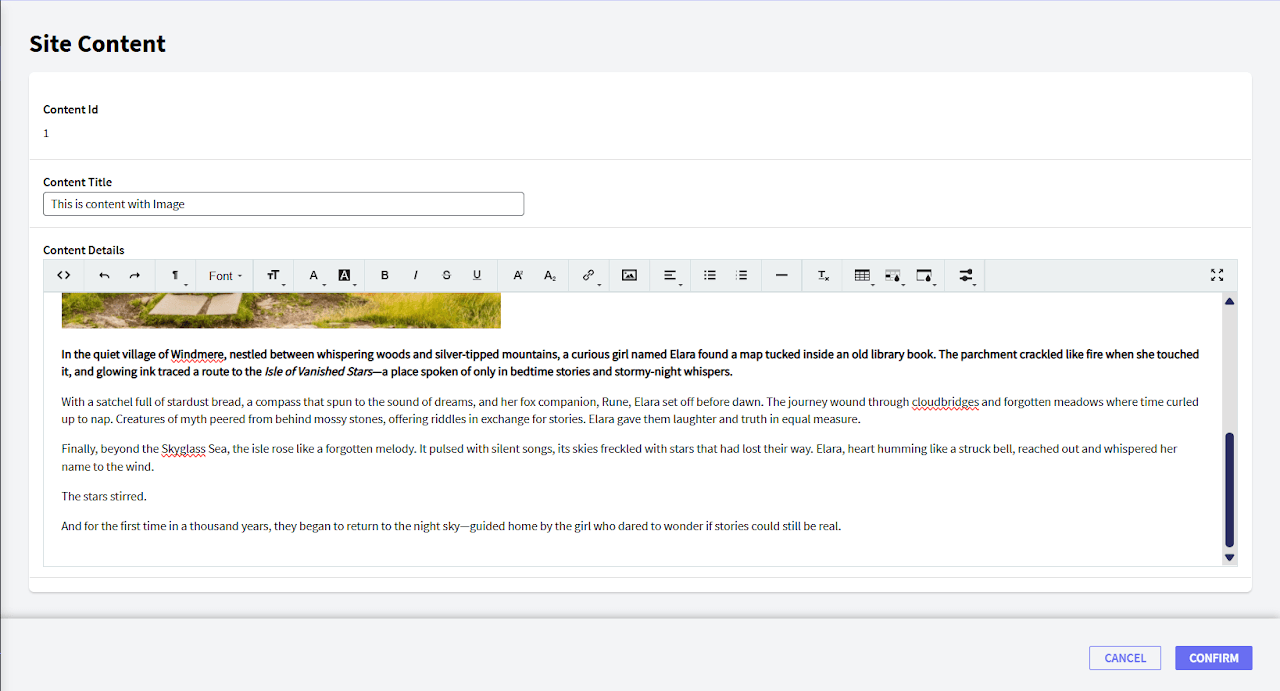
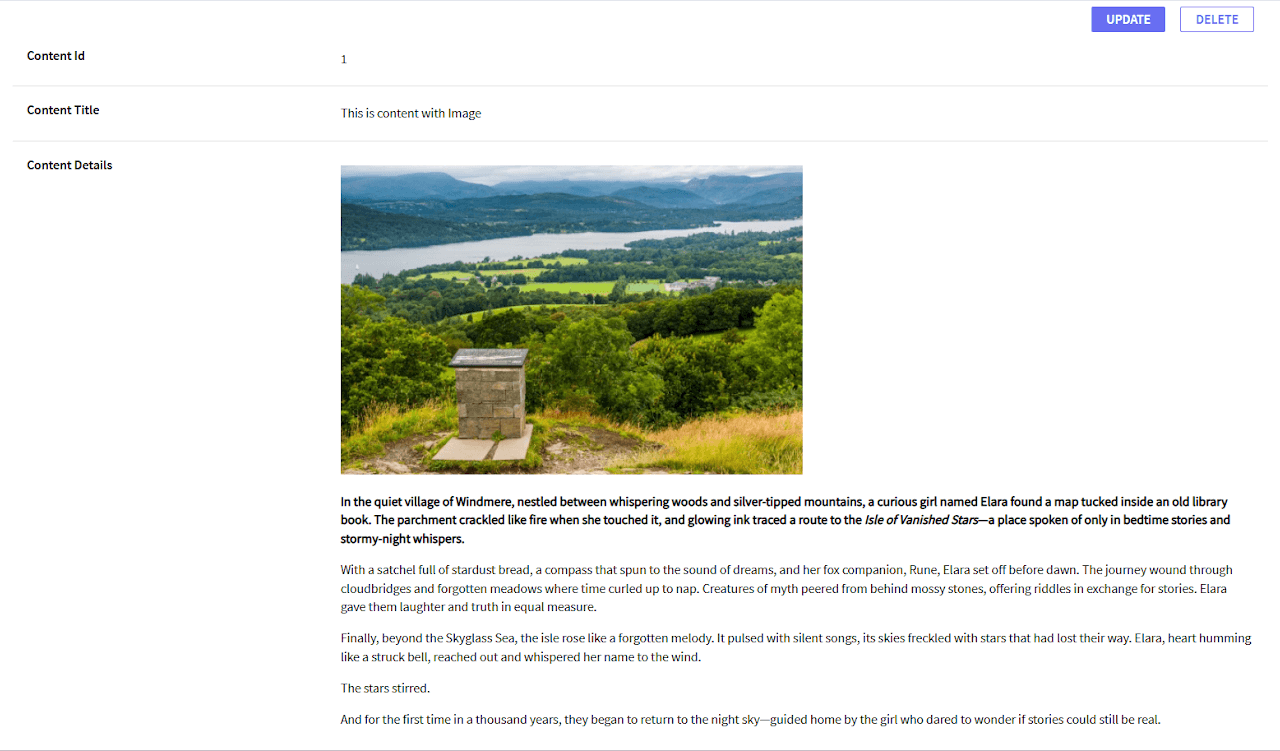
The control renders as a rich text editor that outputs HTML, and it plugs in two ways: as a standalone User Control on a Web Panel, or as the Control Type on a character/longvarchar attribute — so an existing form field can become a rich editor without restructuring the panel around it. It ships in multiple languages and is built to be lightweight rather than a full CMS-grade editor.
What it looks like
Installing it
- Download
Trumbowyg_V1.1.xpzfrom the GitHub repo. - Knowledge Manager → Import, select your KB, Load, then Import, and pick the
.xpz. - Either drag
UCTrumbowygEditoronto a Web Panel from the Toolbox, or set an attribute's Control Type property toUCTrumbowygEditordirectly.
Configuration
Four properties control how it renders:
- FullWidth — boolean, stretches the editor to its container
- Width / Height — numeric, for a fixed size instead
- Toolbar —
Basic/Standard/Advanced, defaultStandard
Choosing a toolbar tier
This is the property worth thinking about before you wire the rest of the panel up, since it decides what your users can actually do:
- Basic — view HTML, undo/redo, strong/em/underline, ordered and unordered lists, link, and the toolbar switcher.
- Standard — everything in Basic, plus a formatting (paragraph style) dropdown, font family, font size, fore/back color, and superscript/subscript.
- Advanced — everything in Standard, plus strikethrough (
del), image insertion, a justify dropdown (left/center/right/full), horizontal rule, remove format, tables with cell background and border color, and fullscreen mode.
Default to Standard unless you specifically need image embedding or tables — Advanced pulls in more toolbar surface than most notice-body or comment fields need.
Getting it
GX Trumbowyg Editor is on the GeneXus Marketplace and the source is on GitHub. For anything beyond what's in the docs, the underlying Trumbowyg documentation covers the editor's full plugin surface. Support: support@teamexus.com.